Daikin Apps
Tools to support you at every stage of the job
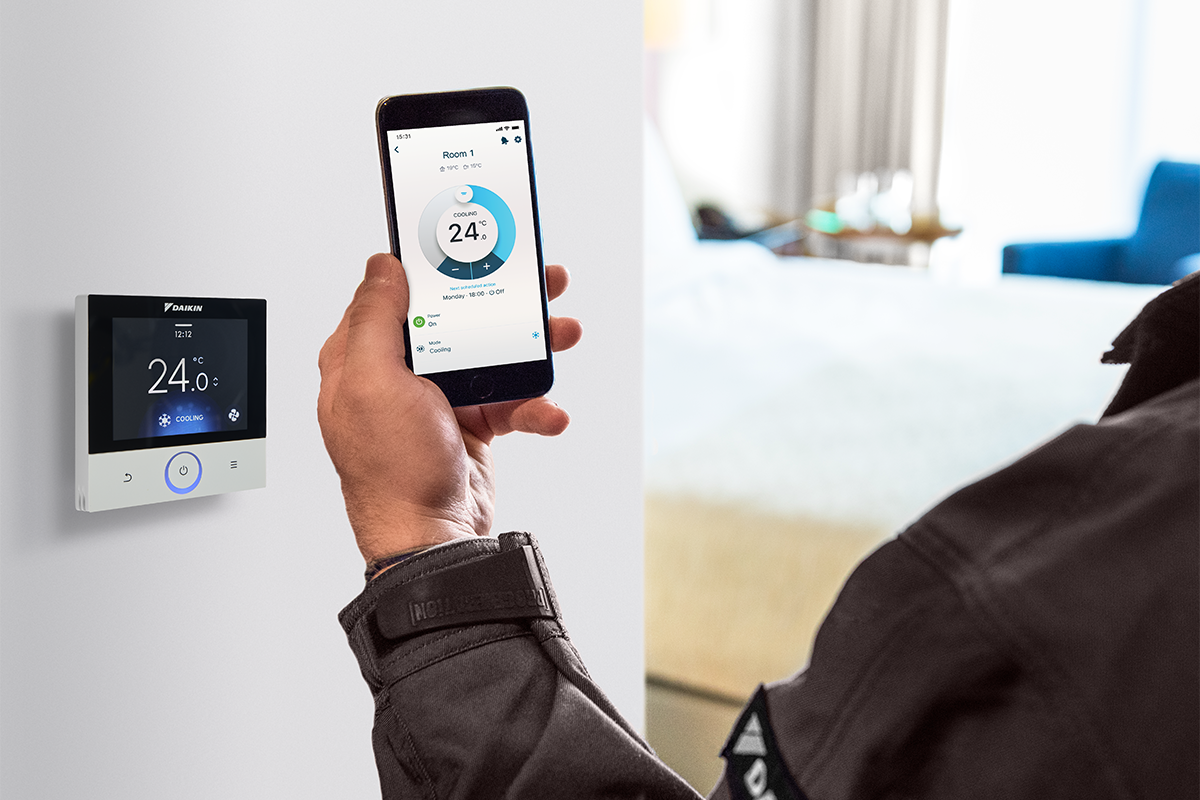
There's a Daikin app to support you at every step, from system design through to customer handover. All are free to download, and each one is built around the way you work on site.
Installer Apps
- 3D app
- Daikin AR Experience
- Multi Split
- Madoka Assistant
- Daikin e-Care
- Service
3D app
Visualise units in your customers' homes
A useful tool at survey or pre-sales stage, letting customers visualise a Daikin system in their home before anything is installed.
- Uses augmented reality to place Daikin units in the customer's space
- Customers can select the system they're interested in and share a picture with you directly
- Helps align expectations early and keeps the pre-installation conversation on track
Daikin AR Experience
The Daikin AR experience application is developed to show technical product benefits in dealer showrooms. Dive into the product and experience how Daikin products work and why they are the market benchmark.
Multi Split
The app to use at the design and quoting stage, helping you size and select Multi Split and Multi+ systems accurately before you're on site.
- - Size and select Multi Split and Multi+ systems
- - Reduces the risk of specification errors at the start of a project
- - Helps you present the right solution to customers with confidence
Madoka Assistant
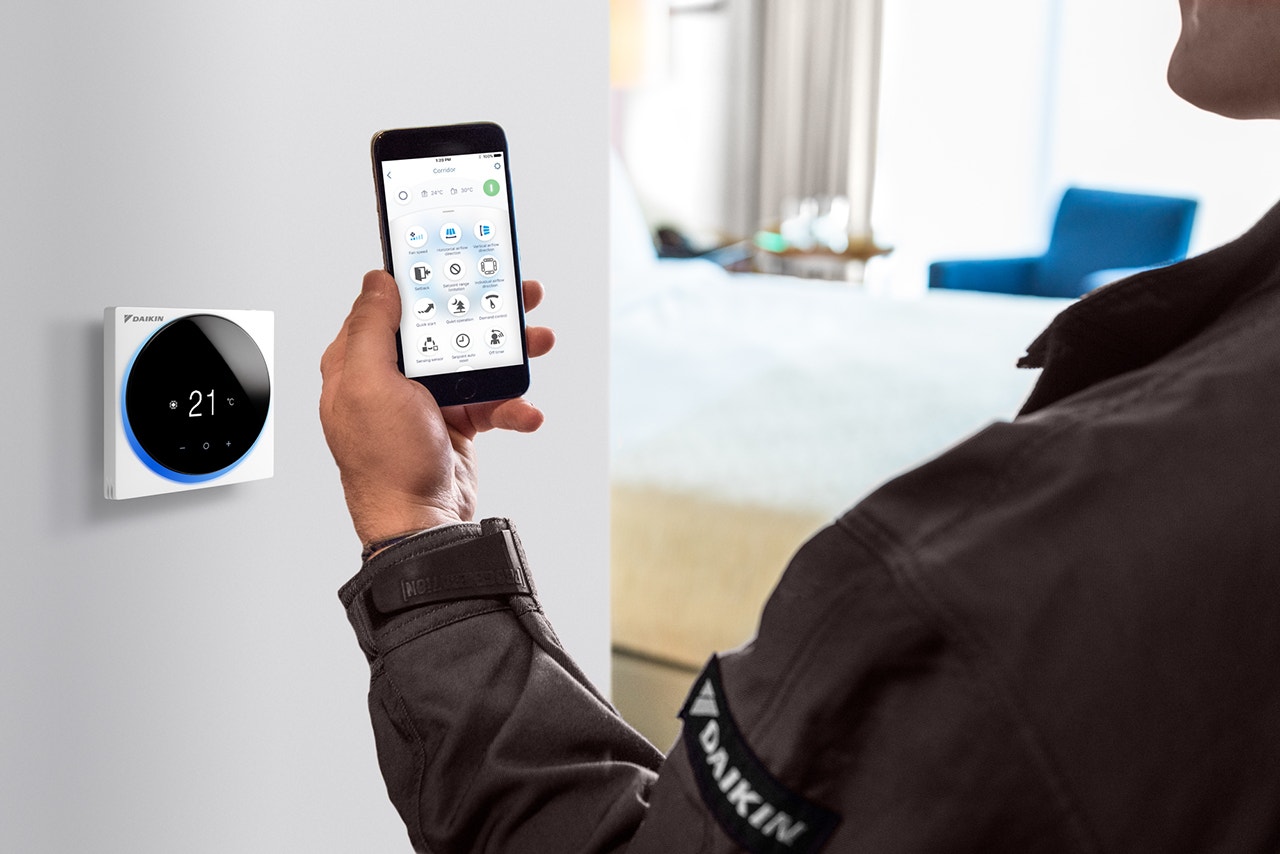
Connect to the Madoka controller via Bluetooth to commission Daikin indoor units quickly and accurately on site.
- Bluetooth connection to the Madoka controller for straightforward setup
- Reduces the risk of manual configuration errors
- Speeds up commissioning so you can move on to the next stage
Daikin e-Care
Your go-to app for Altherma 3 heat pumps, covering everything from first registration through to fault finding.
- Register and commission Altherma 3 heat pumps
- Troubleshoot and fault-find without needing to call technical support
- Keeps everything in one place, reducing admin after the job
Service
For Daikin-approved service engineers and partners, supporting the full service, maintenance and repair workflow.
- Service, maintain and repair Daikin equipment from your phone
- Everything you need for planned visits and call-outs in one place
- Designed to help you work efficiently in the field
End User Apps
- Daikin3D
- Madoka Assistant
- ONECTA
Daikin3D
A useful tool at survey or pre-sales stage, letting customers visualise a Daikin system in their home before anything is installed.
- Uses augmented reality to place Daikin units in the customer's space
- Customers can select the system they're interested in and share a picture with you directly
- Helps align expectations early and keeps the pre-installation conversation on track

Madoka Assistant
The same app used during commissioning. Once handed over, customers use it to control their Sky Air unit via the Madoka controller and Bluetooth.
- Simple Bluetooth control of Sky Air indoor units
- Worth walking customers through at handover to avoid unnecessary call-backs
- Lets them adjust settings without affecting the commissioned configuration
Onecta
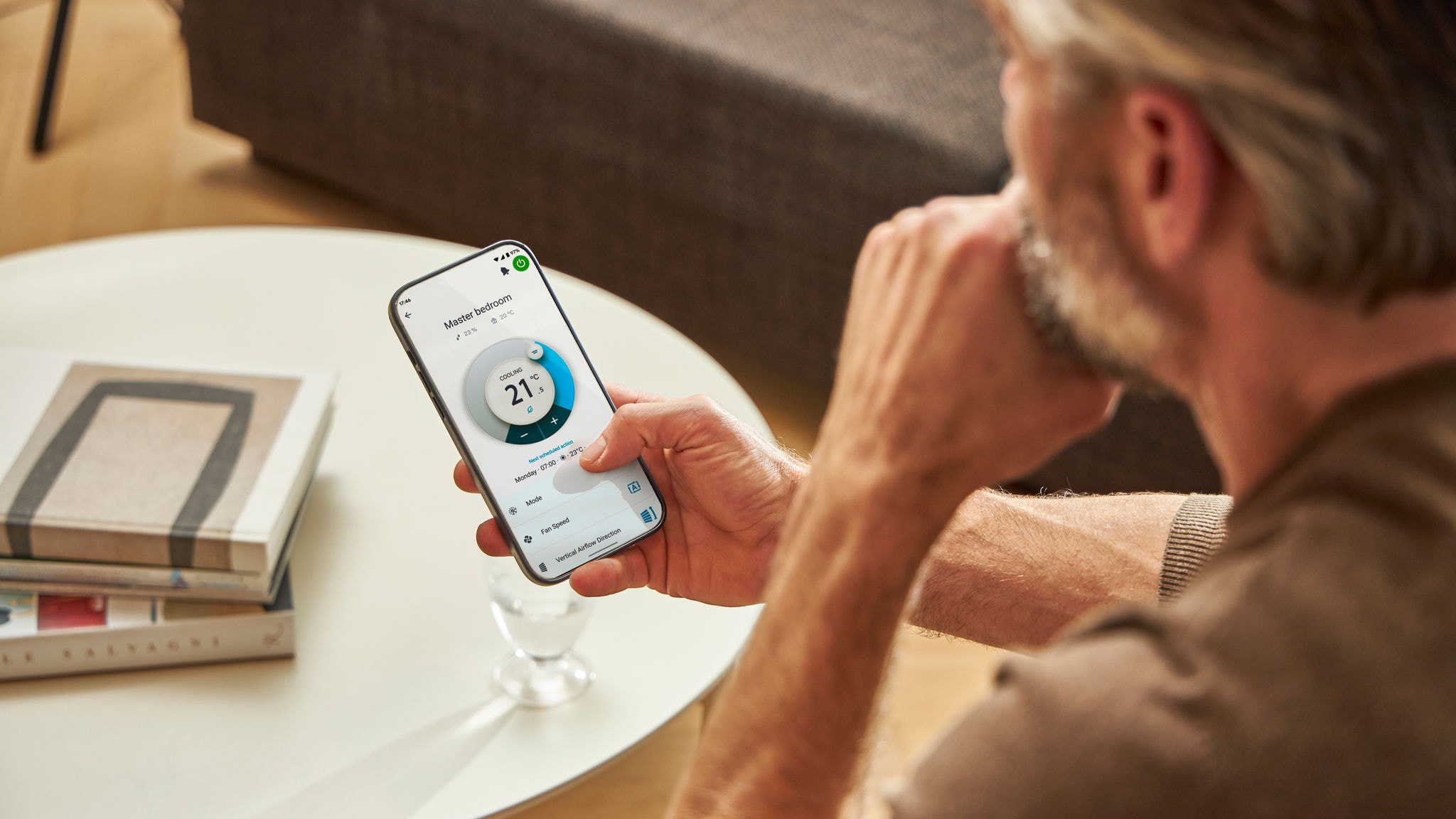
The main app for day-to-day control of Daikin indoor units, giving customers full control from their phone.
- Adjust temperature and change operating modes remotely
- Set schedules and automate system behaviour
- Supports voice control for added convenience
Download the Daikin Apps
All Daikin apps are free to download from the App Store and Google Play. For more information or support, speak to your Daikin contact.