Unlock your Daikin Altherma 4
Everything you need to register and commission your unit
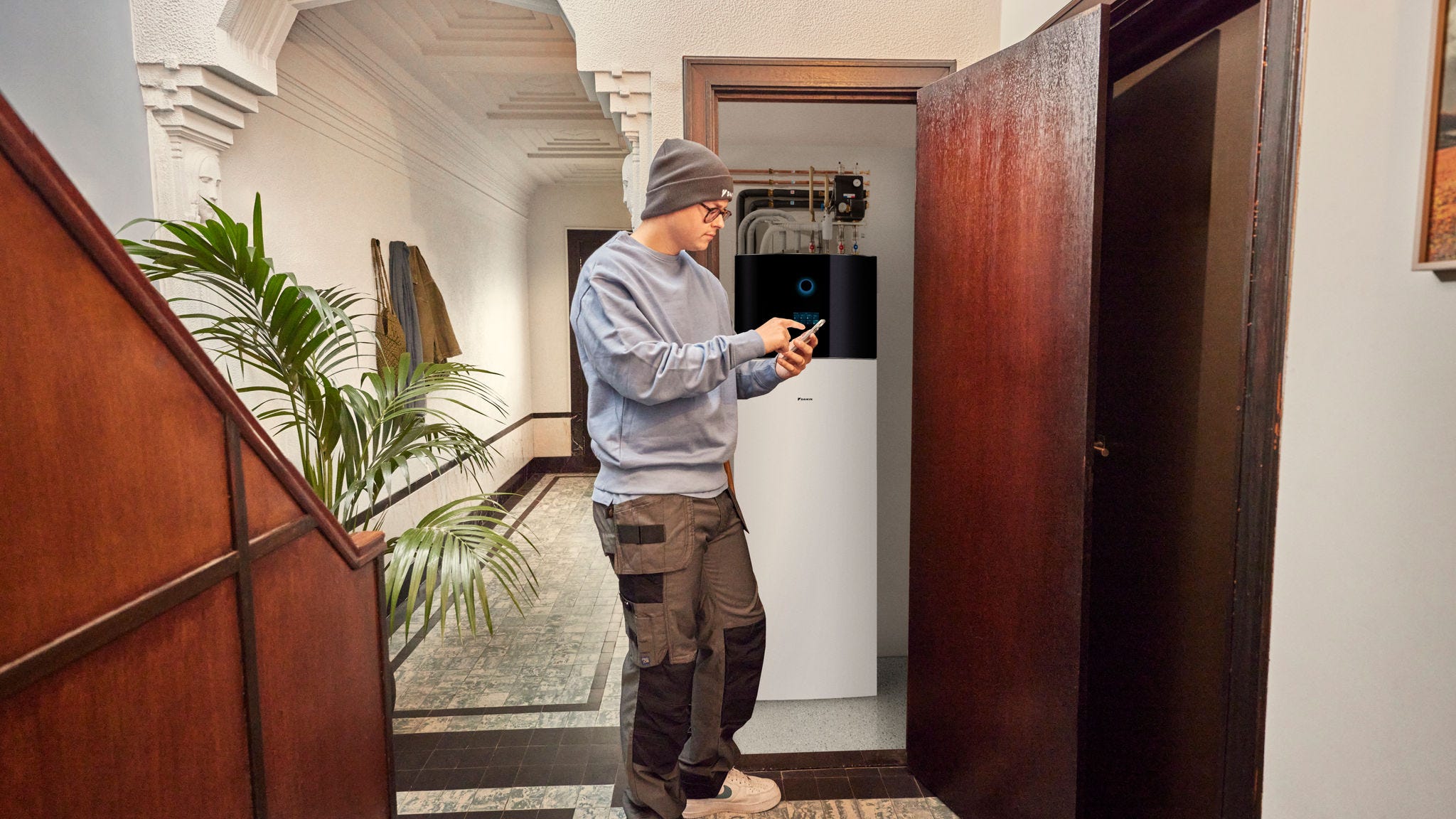
Every Daikin Altherma 4 outdoor unit arrives locked, so you'll need to unlock it before you can start commissioning. To do this, you generate a Digital Key in the Daikin e-Care app and enter it on the indoor unit controller.
Before you start, you'll need three things in place first
- Stand By Me
- Online training
- Daikin e-Care app
1. Create your Stand By Me account
Stand By Me is where you track and manage all your Daikin installations. Register using your business details. When you get the confirmation email, you're ready for the next step.
2. Level 1 online training
Complete the short L1 online safety training on Stand By Me before your first Daikin Altherma 4 installation. It takes you through best practice for storing, transporting and installing units that use R-290.
3. The Daikin e-Care app
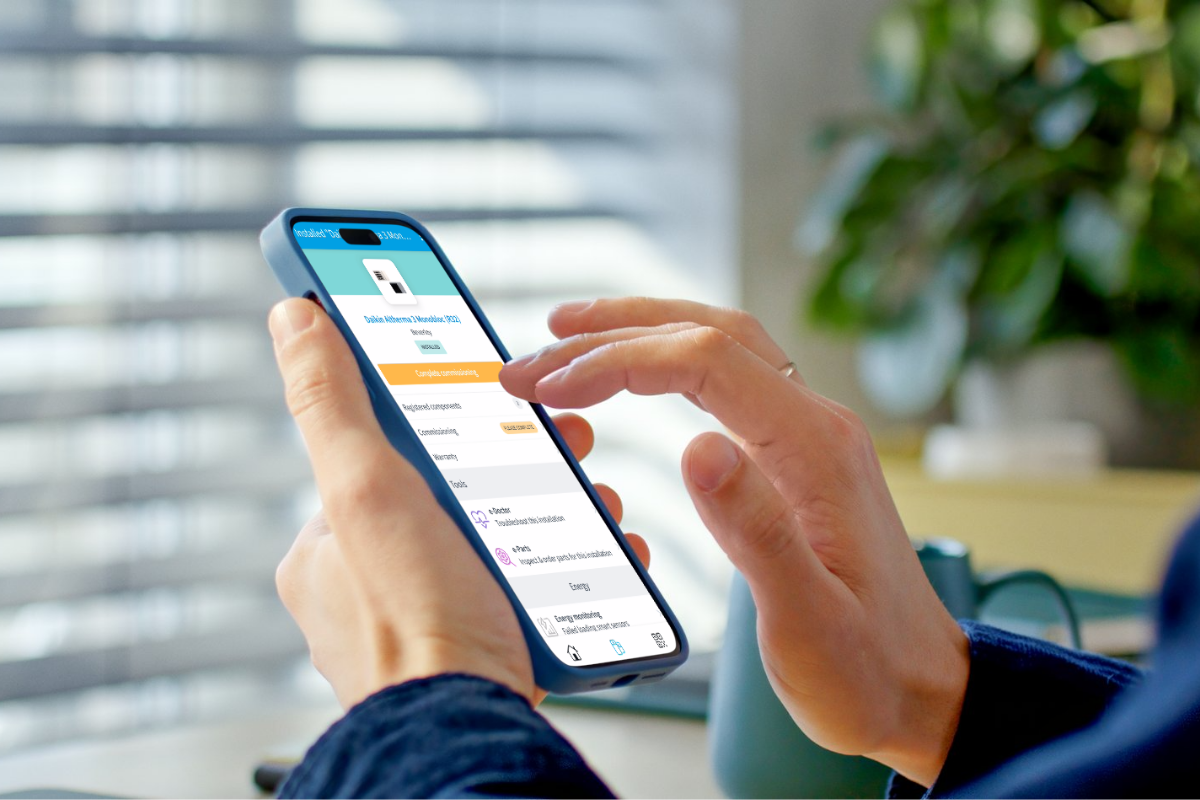
You'll generate your Digital Key in the e-Care app, Daikin's mobile app for installers. It also helps with product registration, commissioning and troubleshooting on site. Download it and log in with your Stand By Me details.
How to unlock the outdoor unit
When the unit's installed, the outdoor unit stays locked until you enter a Digital Key. Here's how to do it, step by step.
The indoor unit controller will show the UH-18 Outdoor unit locked error screen. If it doesn't come up by itself, go to submenu 11. Malfunctioning.
On the e-Care home page, tap the Digital Key tool, then tap Digital key generation.
The app guides you through:
- Identify the unit
- Answer the safety questions
- Generate your Digital Key
On the UH-18 error screen, select Enter digital key and type in the code from the app.
Once you've followed the steps on the controller, go back to e-Care and confirm the unit is unlocked. You're now ready to commission.