Your heat pump essentials
Quick access to the most important tools and information for your system
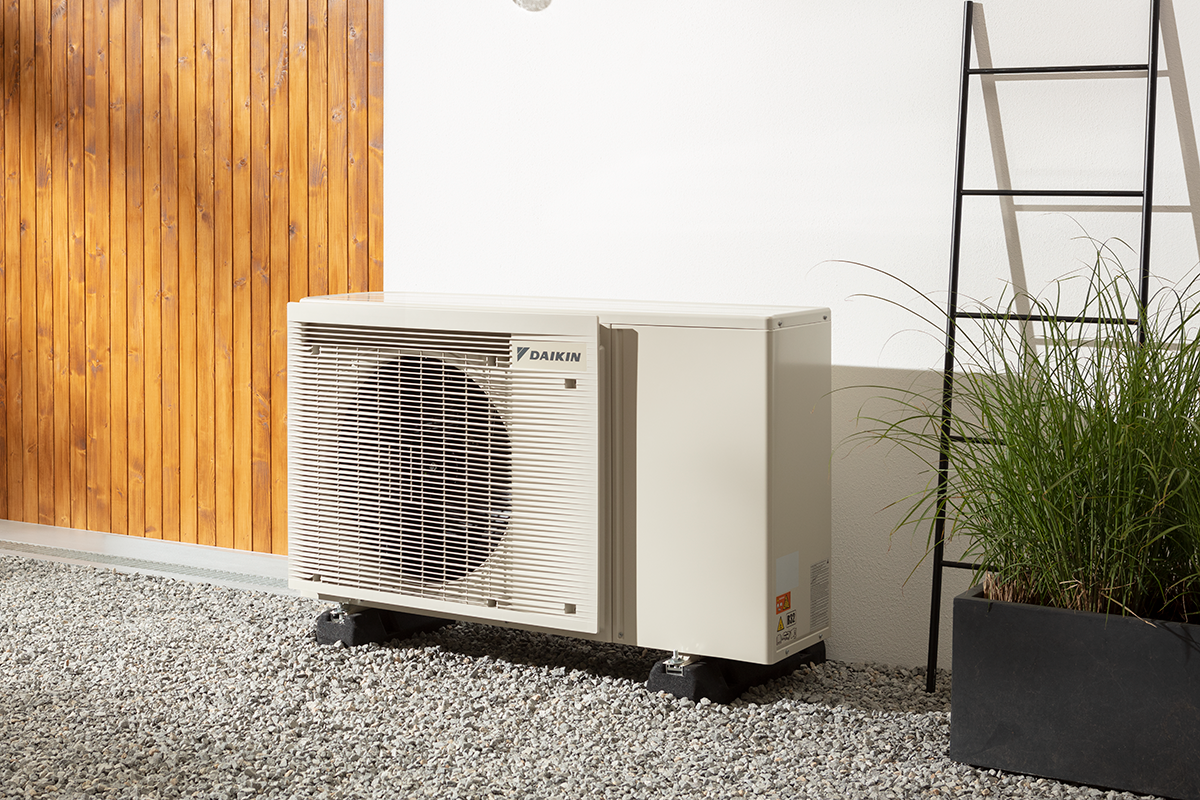
An overview of your heat pump
The heart of your central heating system is the highly efficient Daikin Altherma heat pump. This brief overview of the system and how it works will help you to understand more about your heat pump.
System overview
The heat pump heats the water, which flows around your central heating and separately heats the hot water, when required, in your hot water cylinder. The central heating is controlled by a room thermostat, which turns up and down the temperature according to preset times, sending warm water through the central heating.
Your heat pump is positioned outside your home. It extracts heat from the air and uses this heat to heat the water passing through the central heating and hot water cylinder. The outdoor unit pulls in air from the rear, extracts the heat in the air, and blows the cooled air out of the front. This is done automatically, and there is no need to set or adjust it.
DO keep it clear of debris
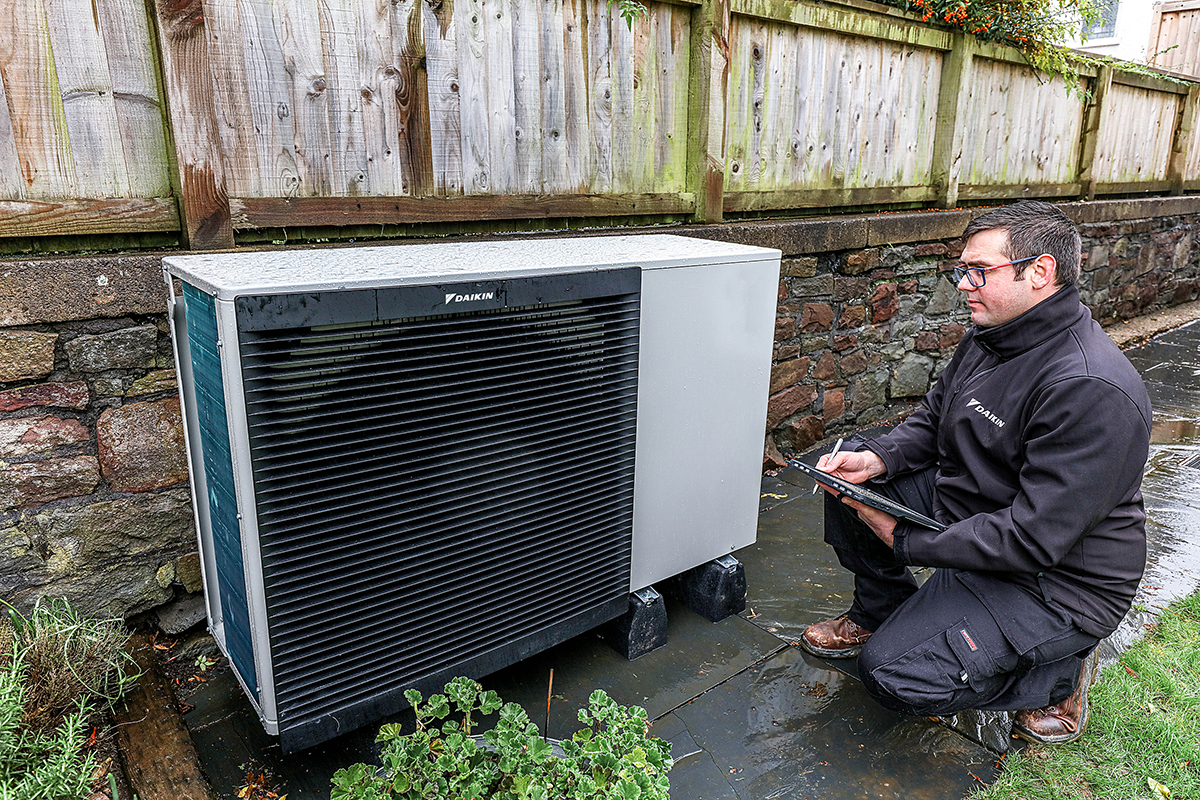
If the rear of the outdoor unit gets clogged up with leaves or debris, the efficiency of your heating system can be reduced. This should be checked regularly and cleaned with a soft brush. Similarly, don’t block the front of the unit up by leaning anything against it.
DON’T worry if you see steam
When it’s cold, your heat pump will automatically run a cycle to clear any built-up ice. It’s actually steam, not smoke, and a bit of melted ice. So it might look a bit dramatic, but it’s actually a sign everything’s working as it should be
Your hot water cylinder is sited inside the house, and it provides hot water for your whole home. Hot water cylinders are used to store hot water and keep it warm for that exact moment that you need it. The high-performance WRAS-approved cylinders are designed to meet all your needs, from assisting towards heating your home to providing hot water to your taps and showers.
Your hot water cylinder has been specifically designed to work with your outdoor unit. It is highly energy-efficient and keeps the water in your tank hot - ready for when you want to use it.
You may have a room thermostat installed in your property. It would be located in the hall or within certain rooms. It controls when the house is heated, and to what temperature. We recommend an ambient indoor temperature of between 19°C and 21°C.
Most radiators are fitted with Thermostatic Radiator Valves (TRVs) which ensure rooms will not become too warm. Temperatures are represented by numbers or Roman numerals I, II, III, IIII. The higher the number, the warmer the room temperature. Each valve should be set according to the temperature you wish to achieve.
Where underfloor heating is installed, you may see a manifold in your under-stair cupboard or similar with pipes going into the floor. This will heat your floors, which in turn heats your home.


How to look after your heat pump
Here are some simple pointers to help you get the most out of your heat pump system and achieve comfortable temperatures year-round. Follow these six tips to get the best results from your heat pump and enjoy efficient heating and cooling.
Set the temperature to a different level in the summer than in winter, so you don’t feel too hot or cold for the time of year and use energy unnecessarily. A temperature of 21˚C might feel cosy when it’s icy outside, but it will feel too warm on a hot day
Remember, a comfortable temperature setting using a heat pump may be different from the temperature you set when using a boiler. Try to set the temperature between 20°C and 22°C. Setting the temperature higher makes it work harder and it will be less efficient.
You want to maintain a stable temperature and avoid your units trying to heat the outside! Keeping doors closed inside the home can also help maintain the temperature you have set for each room (if, for instance, you want your living room to be warmer than your bedroom). It’s always a good idea to keep window vents open though.
Your outdoor heat pump unit needs space around it, so don’t place large plants and bushes too close. And don’t put plants or shrubs directly in front of the heat pump either. There needs to be sufficient space to allow the free exchange of cool and warm air.
To keep your system in tip-top condition, remember to keep the outside unit clear of leaves and other debris too. And be careful not to damage the system when clearing away leaves. In addition, have your system serviced each year by a professional.
Troubleshooting
Your Daikin heat pump is a highly reliable system, but sometimes things can go wrong. These troubleshooting tips should help you address some of the more common issues that can arise on occasion.
Possible cause #1: You ran out of domestic hot water because of unusually high consumption.
Possible cause #2: The desired DHW (domestic hot water) tank temperature is too low.
Solution: If you immediately need more domestic hot water, activate the DHW tank booster mode. However, this will consume extra energy.
If you can wait, overrule (increase) the active or next scheduled desired temperature so that more hot water will be produced.
If the problem recurs daily, do one of the following:
- Increase the DHW tank temperature preset value
- Adjust the DHW tank temperature schedule (for example, programme it to heat up the DHW tank to a preset value during the day)
If your heat pump fails to operate, the backup heater or booster heater can temporarily serve as an emergency heater and either automatically or non-automatically take over the heat load.
Your system may need topping up with water. Please see the pressure gauge and filling loop.
When auto emergency is activated and a heat pump failure occurs:
- The booster heater will automatically take over the domestic hot water production.
When auto emergency is not activated and a heat pump failure occurs, the domestic hot water and space heating operations will stop and need to be recovered manually. The user interface will then ask you to confirm whether the backup heater or booster heater can take over the heat load or not.
Possible cause #1: Heat pump needs servicing.
Solution:
- Press [i] to view a description of the problem.
- Press [i] again.
- Select [OK] to allow the backup heater to take over the heat load.
- Call the Daikin Heating Service Contact Centre to arrange a service visit.
Maintenance Tips
Here you can read some useful articles to help you maintain your heat pump



Warranty registration
- Visit Stand By Me to activate your warranty, choose a maintenance package and claim your free extended warranty.
- Activate within 24 months of commissioning to receive the manufacturer-backed parts and labour warranty.
- You should have received an email with your warranty activation code. Follow the link to activate your warranty on Stand By Me and extend it if you wish.
- Alternatively, the code may be in the Residential End User Warranty Pack left by your installer.
- If you cannot find a code, contact your installer. If you do not know your installer, call Daikin on 01932 879271 for support.
- Please activate your warranty within 24 months of your system being commissioned, to benefit from a manufacturer-backed parts and labour warranty.
What can you find on the Stand By Me portal
Your Daikin heat pump is a highly reliable system, but sometimes things can go wrong. These troubleshooting tips should help you address some of the more common issues that can arise on occasion.
We have a number of maintenance packages available from standard to comprehensive, so you can be sure to find the right fit to suit your budget and your lifestyle.
Here, you’ll be able to see any additional products and services you pay for, including any maintenance and service packages you’ve added to your plan.
Your account is where you’ll find an overview of your personal information. You can also edit your account, update your login credentials – such as your email and password – and set your marketing preferences.

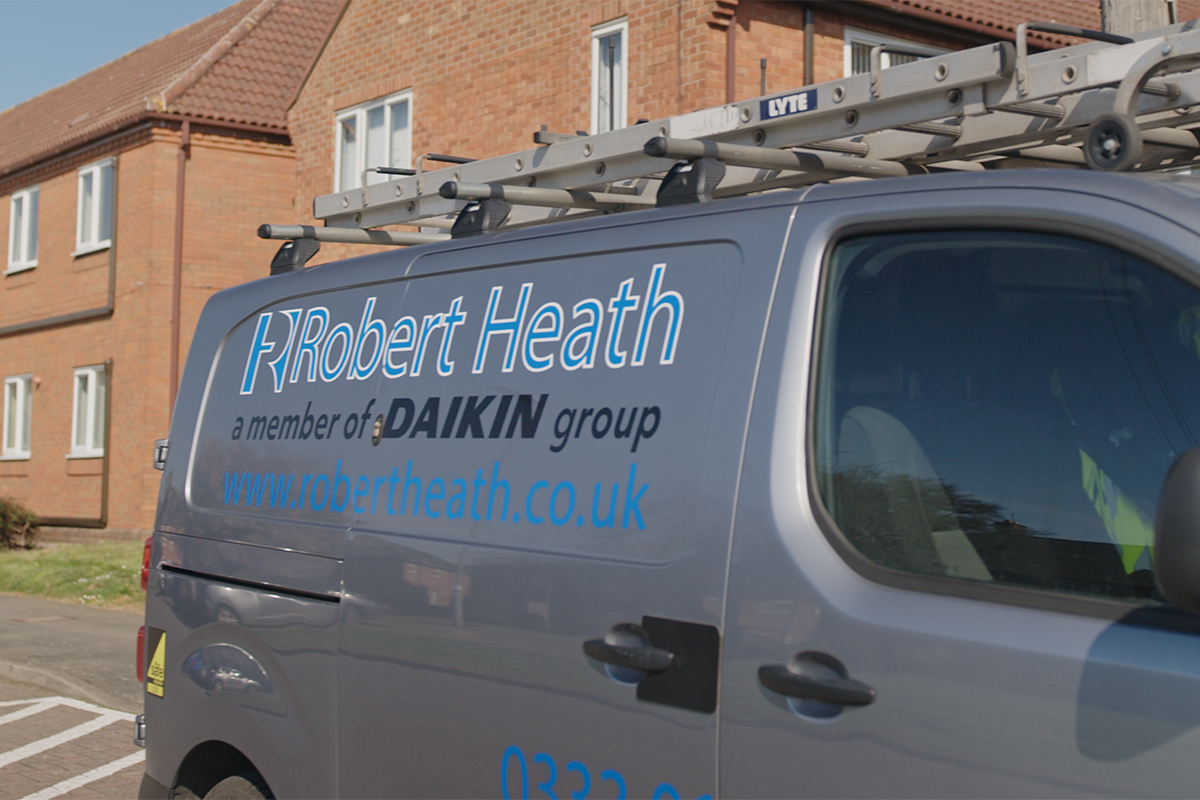
Robert Heath Heating: Expert support across England and Wales
Robert Heath Heating supports Daikin heat pump owners across England and Wales. With decades of experience and nationwide coverage, their engineers provide professional maintenance and ongoing care. As part of the Daikin group, they’re fully trained on Daikin systems, helping keep your home comfortable all year round.
Saltire: Dedicated support across Scotland
Saltire provides dedicated support for Daikin heat pump owners throughout Scotland. Their regional teams deliver reliable service and understand the needs of homes in your area. Now part of the Daikin group, Saltire engineers are trained on Daikin technology, helping ensure your system continues to run smoothly and efficiently.
Frequently Asked Questions
Here are some of our most commonly asked questions
Yes and no. If the issue is covered by the warranty due to a product fault, then the repair is free of charge. However, if it's an issue outside the terms of the warranty, repair costs will not be included.
You can claim your extended air-to-water heat pump warranty from the moment your unit is commissioned as long as your installer has registered it on Stand By Me. You have two years from the date of commissioning to activate your warranty.
Yes. If your installer provides maintenance, you can continue using them for the maintenance of your unit.
No, you do not need a maintenance contract to get access to Stand By Me. However, you do need to register your Daikin unit on Stand By Me to be able to buy the various service packages available on the platform, such as maintenance.
To check whether your unit needs or would benefit from a firmware update, please make sure it is registered on Daikin Stand By Me.
Once your heat pump is registered, we can review it against our update list and contact you directly if an update is required.
The disinfection cycle is an automatic feature that heats your hot water to a certain temperature for a short period. This kills off bacteria, such as Legionella, and keeps your hot water system clean and safe.
You don’t need to do anything to activate it — the cycle runs on its own at the preset day and time, depending on your model. Keeping this feature enabled ensures your system remains hygienic and efficient.
Every Daikin heat pump comes with a built-in disinfection cycle, and the time it runs is set by default according to the model. For many systems, this is early on Friday morning at around 01:00, so it runs quietly and with minimal impact on your hot water use.
If you'd prefer the cycle to run at a different time (for example, to match a cheaper electricity tariff) a qualified installer can adjust the schedule when the equipment is serviced. Because changing it requires an installer access code, you’ll need to contact your installer to make any amendments.
If you see a fault during the disinfection cycle, it’s worth checking whether it happens again the following week. If the fault repeats, try the steps below before contacting your installer:
- Make sure no hot water is being used while the disinfection cycle is running.
If possible, schedule your heating to switch off just before the cycle begins. - Try heating your hot water cylinder to its usual temperature before the disinfection cycle starts to see if this resolves the issue.
- Check that no heaters or switches next to the hot water tank have been turned off.
- If your system has a secondary return (a loop that circulates hot water back to the tank), ensure it is turned off during the disinfection cycle.
If the issue continues after these checks, contact your installer for support.
If your current setup doesn’t already have Wi-Fi connectivity, you can enable it by adding the correct accessory for your model.
Most Daikin systems connect using a WLAN card, a small Wi-Fi module that allows your heat pump to link to the Daikin Onecta app. Once installed, you can view energy use, adjust temperatures and manage your heating and hot water from your phone.
If your system has an MMI 2 controller or higher, it supports a WLAN card.
If your system has an MMI or C-series controller, you’ll need a LAN adapter instead. This provides Onecta access even if a WLAN card isn’t compatible.
WLAN cards and LAN adapters can be purchased online through a Daikin Sustainable Home Centre, or from merchants like Travis Perkins. If you’re not sure which option your model needs, your installer or local Sustainable Home Centre can check compatibility and guide you through the setup.
Any qualified service company can carry out maintenance on your Daikin heat pump. However, if you’d prefer Daikin to service your system directly, this is now handled by Robert Heath Heating (RHH), a trusted national heating specialist and part of the Daikin group.
RHH provides reliable, friendly support through engineers fully trained on the latest Daikin heat pump technology. With their expertise and nationwide coverage, you can be confident your system is always in safe hands.
Possible error codes
Below is an overview of possible error codes that could see and how to deal with them
There is a problem with the incoming power supply. It is detected by monitoring the DC voltage on the inverter board and if the voltage on the DC circuit of the inverter is higher than 700 V DC or lower than 200 V DC, it will trigger the fault. Overvoltage is due to instability of the incoming voltage, while this problem can also cause undervoltage. It can also be caused by the fact that the three phases are not switched on the inverter board. This may be due to a fault in the inverter board supply contactor, a fault in the filter board or in a motor which would cause a voltage drop
This error relates to water flow being detected after the pump has ceased operation. If you see this error, you’ll need to contact your installer who will be able to check the issue.
This error relates to the hot water tank disinfection function. If you see a fault during the disinfection cycle, it’s worth checking whether it happens again the following week. If the fault repeats, try the steps below before contacting your installer:
- Make sure no hot water is being used while the disinfection cycle is running.
- If possible, schedule your heating to switch off just before the cycle begins.
- Try heating your hot water cylinder to its usual temperature before the disinfection cycle starts to see if this resolves the issue.
- Check that no heaters or switches next to the hot water tank have been turned off.
- If your system has a secondary return (a loop that circulates hot water back to the tank), ensure it is turned off during the disinfection cycle.
If the issue continues after these checks, contact your installer for support.
This fault indicates that there is a problem with the fan motor of the outdoor unit. If you see this error, you’ll need to contact your installer who will be able to check the issue.
This fault indicates there is a problem with the incoming power supply. If you see this error, you’ll need to contact your installer who will be able to check the issue.
This fault indicates an abnormal discharge pipe temperature. It can be caused by a fault in the compressor or by a lack of refrigerant which is not cooling the compressor effectively.
If you see this error, you’ll need to contact your installer who will be able to check the issue.
This fault occurs when the indoor unit cannot communicate with the outdoor unit. This fault can be caused by the outdoor unit being switched off, a fault with the interconnection cable, an indoor/outdoor control card that is out of order or a motor element that would disrupt its control card.
If you see this error, you’ll need to contact your installer who will be able to check the issue.
This fault indicates that there is overcurrent detected in the compressor. If you see this error, you’ll need to contact your installer who will be able to check the issue.
This fault indicates that the back up heater has detected an abnormal change in temperature. If you see this error, you’ll need to contact your installer who will be able to check the issue.

Still need support?
Whether you need help finding your warranty activation code, to book your annual maintenance visit or to arrange a service visit in the event of a breakdown or need any further support, our dedicated Customer Contact Centre is here to assist you.
Call: 01932 879271
Monday to Friday 8am to 6pm