Control your Daikin heat pump with Hive
Manage your heating and hot water through the Hive app
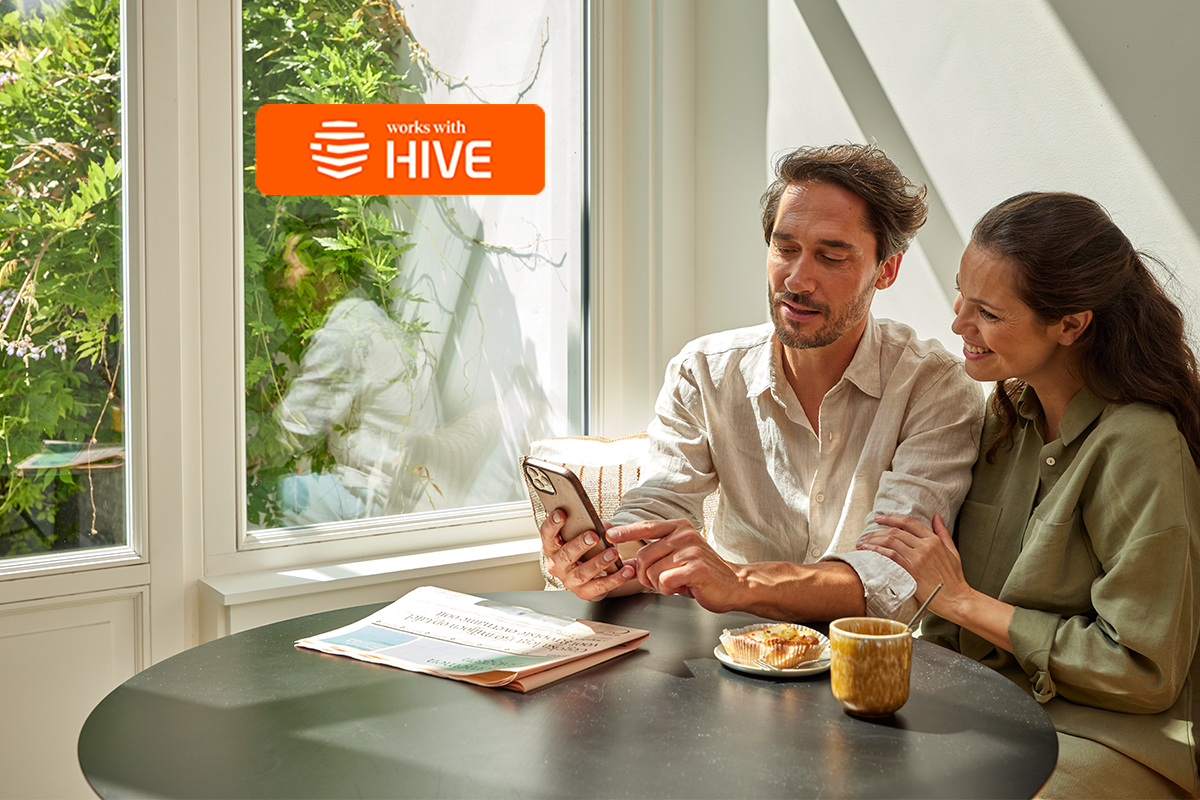
Daikin air-to-water heat pumps are now compatible with the Hive smart home ecosystem through the Works With Hive programme.
You can manage your Daikin heating and hot water directly from the Hive app, alongside other connected home technologies. The result is a simple way to bring heating into a smarter, more connected home.
Before you connect to Hive
Your Daikin heat pump must be connected to the Daikin Onecta app using a WLAN adaptor before it can be linked to Hive.
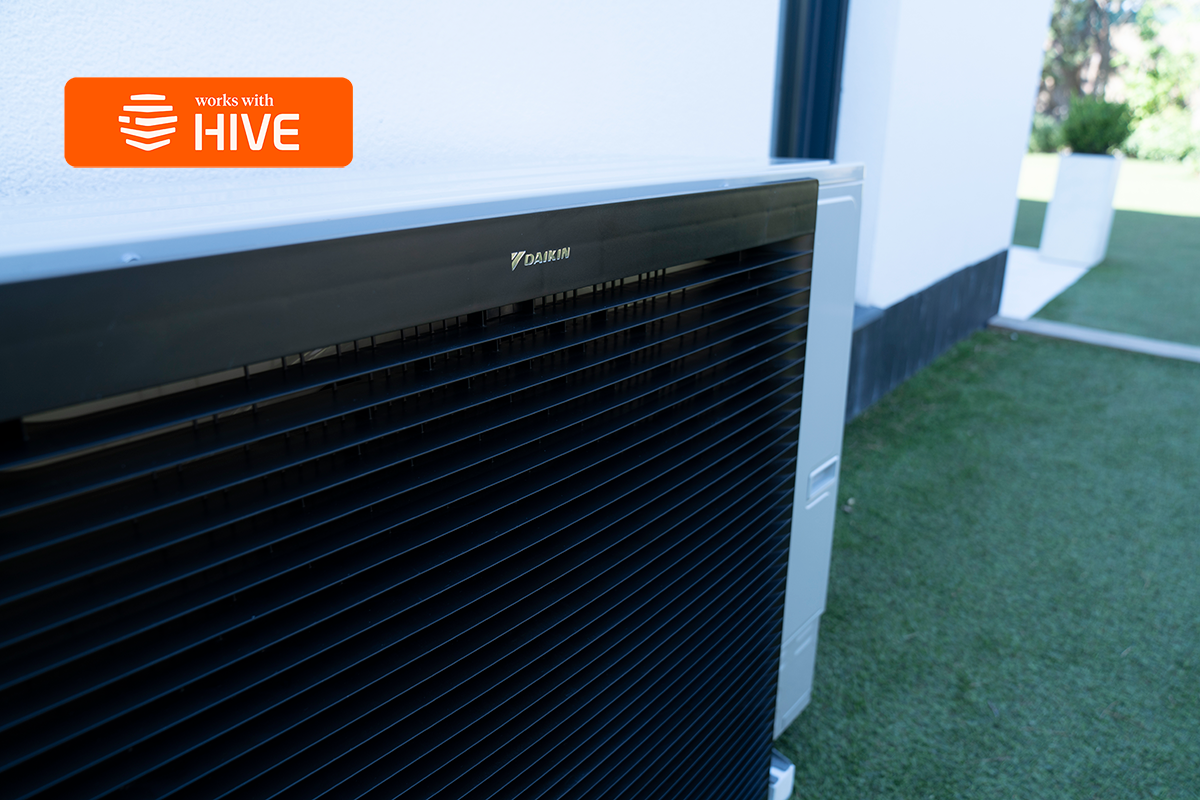
What else can be managed through Hive?
Hive helps bring different smart home technologies together in one place. When connected to Hive, your Daikin heat pump can sit alongside other compatible home energy technologies such as:
- Electric vehicle charging
- Solar panels
- Home battery storage
- Smart plugs and lighting
This helps create a more connected home where energy technologies can be monitored and managed more easily.

Easy control of heating and hot water
With Hive and Daikin working together, heating and hot water can be managed through the Hive app while the system remains connected to the Daikin Onecta app.
This gives an additional way to monitor and adjust heating as part of a wider Hive smart home setup. This includes:
- Adjust the target temperature
- Turn space heating on or off
- Turn hot water heating on or off
- Check the current temperature and system status

How to connect Daikin with Hive
Before connecting to Hive, your heat pump must be connected to the Daikin Onecta app using a Daikin WLAN adaptor.
Once Onecta is set up:
- Open the Hive app and select Add a device
- Choose Works With Hive and select Daikin
- Follow the on-screen instructions to link your Onecta and Hive accounts
Once connected, your heating system will appear in the Hive app and can be controlled from the main dashboard
Frequently asked questions
No. Daikin heat pumps connect to Hive through the Daikin Onecta app, which allows the Hive app to communicate directly with the heating system. This means heating and hot water can be controlled through Hive even without a Hive thermostat installed.
When a Daikin heat pump is linked with Hive, it is possible to:
- Adjust the target room temperature
- Turn space heating on or off
- Turn hot water heating on or off
- Check the current temperature and system status
This provides simple control of heating through the Hive app.
If your heat pump is already connected to the Daikin Onecta app, linking to Hive is straightforward.
- Open the Hive app
- Select Add a device
- Choose Works With Hive and select Daikin
- Follow the instructions to link your Hive and Onecta accounts
Once linked, your heat pump will appear in the Hive app and can be controlled from the main dashboard.
To connect your heat pump to Hive, it must first be connected to the Daikin Onecta app.
This requires a Daikin WLAN adaptor, which allows the heat pump to connect to your home internet.
Once the WLAN adaptor is installed:
- Download the Daikin Onecta app
- Follow the instructions to connect your heat pump
- After Onecta is set up, you can link it to the Hive app
If your system does not have a WLAN adaptor installed, please contact Daikin to order your WLAN adaptor.
If you do not see a WiFi icon on your heat pump controller screen, your system may not have a WiFi adaptor (SD card) installed.
To use the Daikin Onecta app, a WiFi adaptor is required. If your system does not have one, please contact Daikin and a WiFi adaptor can be sent to you.
If you already have a WiFi adaptor but it has not been installed, follow these steps:
- Locate the slot on the left hand side of the heat pump controller (MMI).
- Hold the adaptor with the arrow facing towards you.
- Gently insert the adaptor into the slot.
- The controller will automatically restart.
Once the system restarts, check the top left corner of the screen. When the WiFi icon appears, the adaptor is active and ready to connect to the Onecta app.
The Daikin WLAN adaptor connects your heat pump to the internet so it can communicate with the Onecta app.
This connection is required for the Hive integration, as Hive links to your heat pump through the Onecta platform.
Start by watching this short video which explains how to get set up with Onecta.
If you need further help setting up the connection or linking your system to Hive, please email the Daikin support team.
They can assist with Onecta setup, WLAN adaptor queries, and connection issues.
If you experience any issues connecting your Daikin heat pump to Hive, support is available directly through the Hive app.
Open the Hive app and go to:
Manage > Support > Ask Hive
From here you can raise a support request, and the Hive team will assist with connection or account linking issues.
Yes. Your heat pump continues to operate through the Daikin Onecta app, which remains the primary connection to the system.
Linking to Hive simply adds an additional way to monitor and control heating and hot water through the Hive smart home platform.
Your Daikin heat pump connects to the Daikin Onecta app, which is used to set up and manage the system.
When you link your heat pump to Hive, you gain an additional way to control heating and hot water through the Hive app.
You can continue to use the Onecta app, the Hive app, or both, depending on how you prefer to manage your heating.
All Daikin Altherma 3 series air-to-water heat pumps are compatible with Hive, as these systems can connect to the Daikin Onecta app.
Once the heat pump is connected to Onecta, it can be linked to the Hive app through the Works With Hive integration.
Please note that Daikin air-to-air heat pumps are not currently compatible with Hive.
Download the Hive App
Save money and energy with Hive